
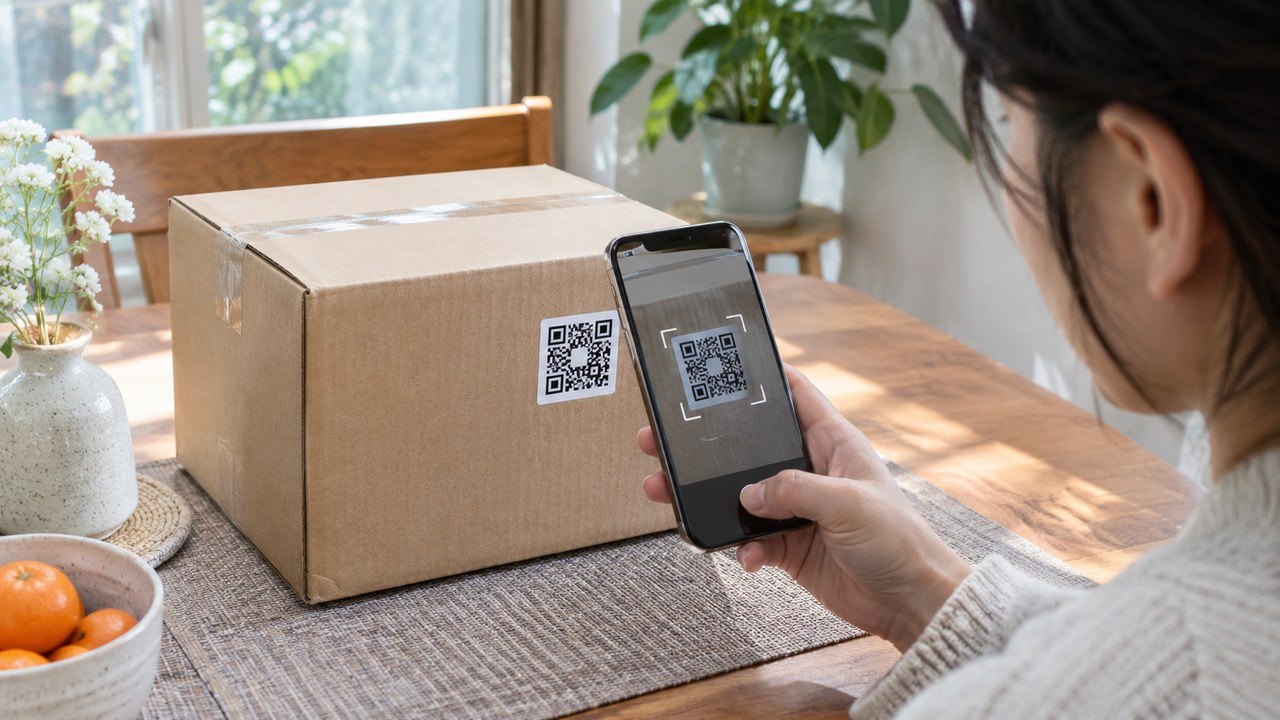
[DiaryPoint | Reporter Choi Seung-jin] To check whether a government-certified K-Brand product is authentic, scan the QR code on the product with your phone, then check its national certification mark. On the Korea Intellectual Property Protection Agency’s certification lookup page, you can search by authorization number or company name to see whether the company’s certification is valid.
Before buying, go to the “Certified Companies and Products” section of the agency’s K-Brand Government Certification System website. Enter an authorization number or search by company name, then select the search button to view certification status and company details. The authorization number appears in the upper-right corner of the certificate.
A company search confirms the certification details for that business. To check whether the item you plan to order is covered, compare its brand and product name on the sales page with the company information in the results. After it arrives, scan the QR code on the packaging with your phone and follow through to the authenticity check. Government guidance says consumers can see whether the product is genuine or counterfeit and proceed to a counterfeit report page after scanning.
The system took effect on October 7. Companies can choose whether to put the national certification mark on their products, so looking up a company before purchase does not by itself verify the specific item in hand. Check that the product carries the certification mark and QR code, then review the scan result.
In an October 7 announcement, the Ministry of Intellectual Property said consumers can scan the certification mark with a phone without installing a separate app. Scan data also helps the government monitor the distribution of counterfeit goods.