
[DiaryPoint = Reporter Eom Ju-yong] Samsung opened the One UI 9.5 beta program for Galaxy S26 series users on the 18th. The program is available in South Korea, the United States, the United Kingdom, Germany, Poland, and India. Users can sign up through the Samsung Members app.
Sign in to Samsung Members with your Samsung account, then tap the home banner or beta card to register. Once enrolled, go to Settings, tap “Software update,” then “Download and install” to get the beta software. The update will roll out to participants in stages.
App Lock and camera controls get an update
Pro and Pro Video modes in the camera app now include custom settings and presets that users can adjust for different shooting situations. The standard camera also gets Quick Controls, which put key settings on one screen.
App Lock protects individual apps with biometric authentication or the phone’s screen lock. It also hides notifications and widgets from locked apps, helping keep private information out of view when you show or lend your phone to someone.
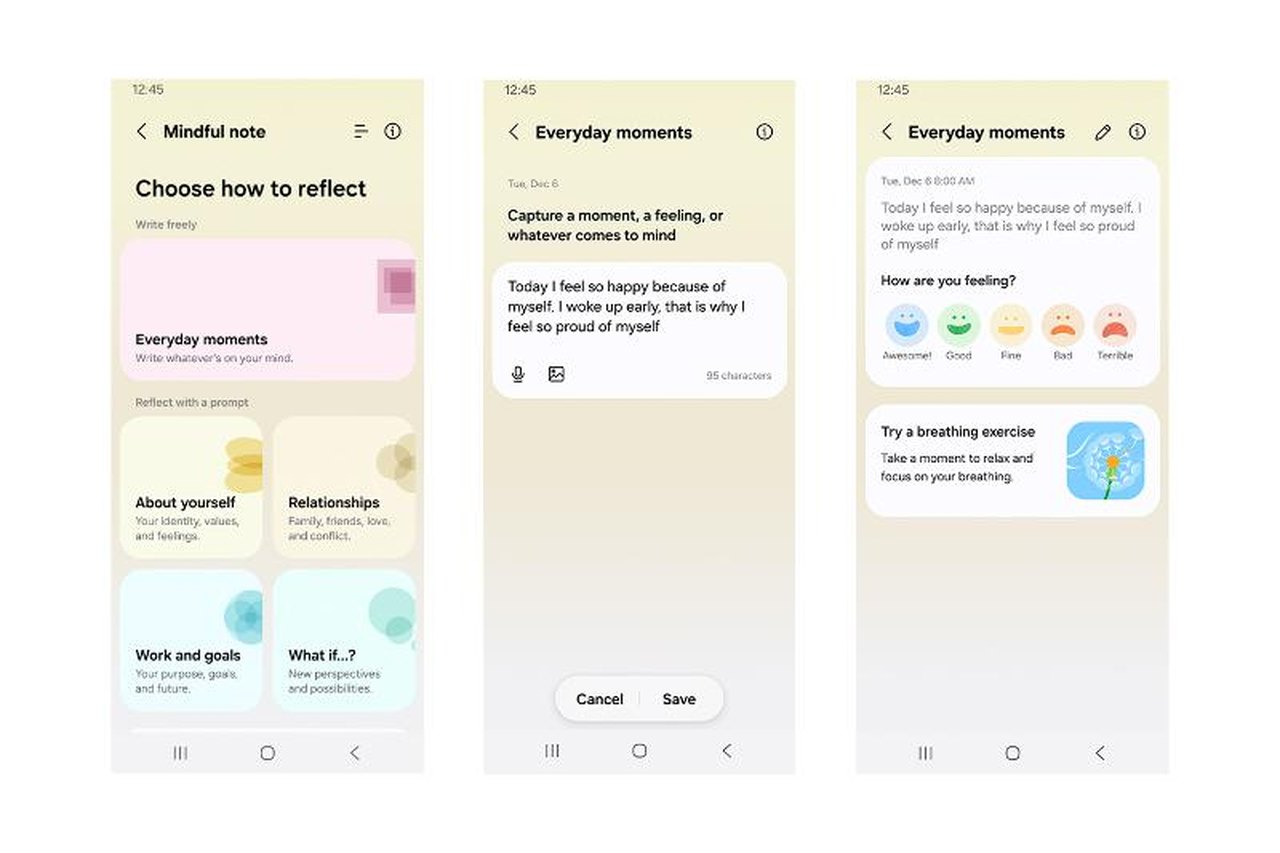
Samsung Health adds Mind Notes, where users can freely write down their feelings and thoughts or respond to guided prompts. Medication management is expanding to more countries, letting users register medicines, vitamins, and supplements and manage reminders and intake records.
Back up before installing; rolling back wipes the device
Accessibility features now include a floating shortcut for opening frequently used controls from anywhere on the screen. Hearing aid users can adjust volume from the notification panel and choose whether notifications, ringtones, or alarms are routed to their hearing aids.
Beta software may contain bugs or unstable features, so Samsung recommends backing up data with the PC version of Smart Switch before installing. Update apps to their latest versions first. Downloading over Wi-Fi can help reduce mobile data use.
To leave the beta and return to the previous stable release, users must request withdrawal in Samsung Members and then roll back using Smart Switch for PC. The process resets the device and deletes data created during the beta, so make a backup before deciding to install.